
Download 07 CAPEX & Depreciation
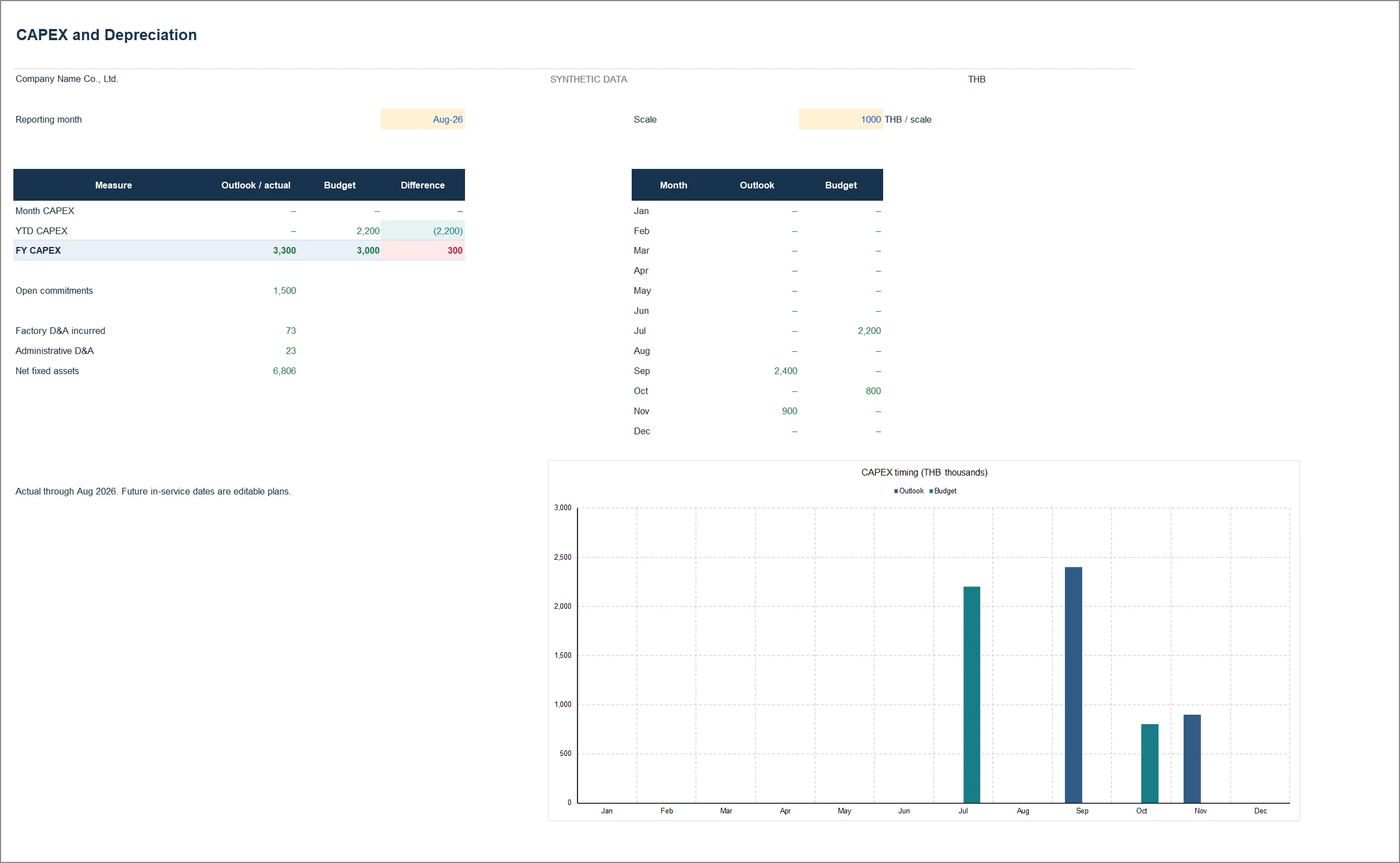
Cash for an asset leaves in one month; its depreciation reaches profit over the useful life. The asset register shows both timings against the capital budget.
What is inside the file
The sheet list below is read out of the actual workbook when this page is built, not typed. If the file changes, the list changes with it.
Where to look first
- Start on Assets: check cost, residual value, useful life and in-service month.
- Open Depreciation to see which month depreciation starts and how it differs from the cash paid out.
- Read CAPEX Review: timing and amounts against budget, then the commitments not yet paid.
- Before passing the file on, open Checks. If a line fails, do not send it yet.
Read the guide to this report first →
What you need before using it on your own company
- The assets bought or planned, with cost and in-service month.
- Useful lives and residual values under your accounting policy.
- The capital budget by project, and purchase orders not yet paid.
Check the file against the original
The SHA-256 values below come from the pack’s FILE_MANIFEST.json and are re-checked against the real files every time the site is built; a mismatch fails the build. To verify your copy yourself:
certutil -hashfile 07_CAPEX_and_Depreciation_TH.xlsx SHA256sha256sum 07_CAPEX_and_Depreciation_TH.xlsx| File | bytes | SHA-256 |
|---|---|---|
| 07_CAPEX_and_Depreciation_TH.xlsx | 68,251 | 96a574353217d5aafcda997608f405a76b17fe334936ea870976cf142ecb311b |
| 07_CAPEX_and_Depreciation_EN.xlsx | 62,423 | e5e83341a510200f7373c2fe219bc838276121d213dea61441a7fed9025d27ca |
Use it in your work, change it, use it inside your company — no permission needed. The one ask is not to resell it as your own product. The figures are synthetic teaching data, not a real company’s results, and someone responsible for finance should review the formulas and costing policy before you run it on real numbers.
Download the workbook
What will you use this file for?
Optional. No personal details.
Thanks. This helps decide which files to build next.